
Direct Sankyu System Integration
Connect stocktaking results directly to your existing Sankyu inventory.
 Smart Scanner
ST Smart Scanner connects a handheld RFID reader to Sankyu System. Scan a complete tray in one pass and synchronise the results directly with your inventory.
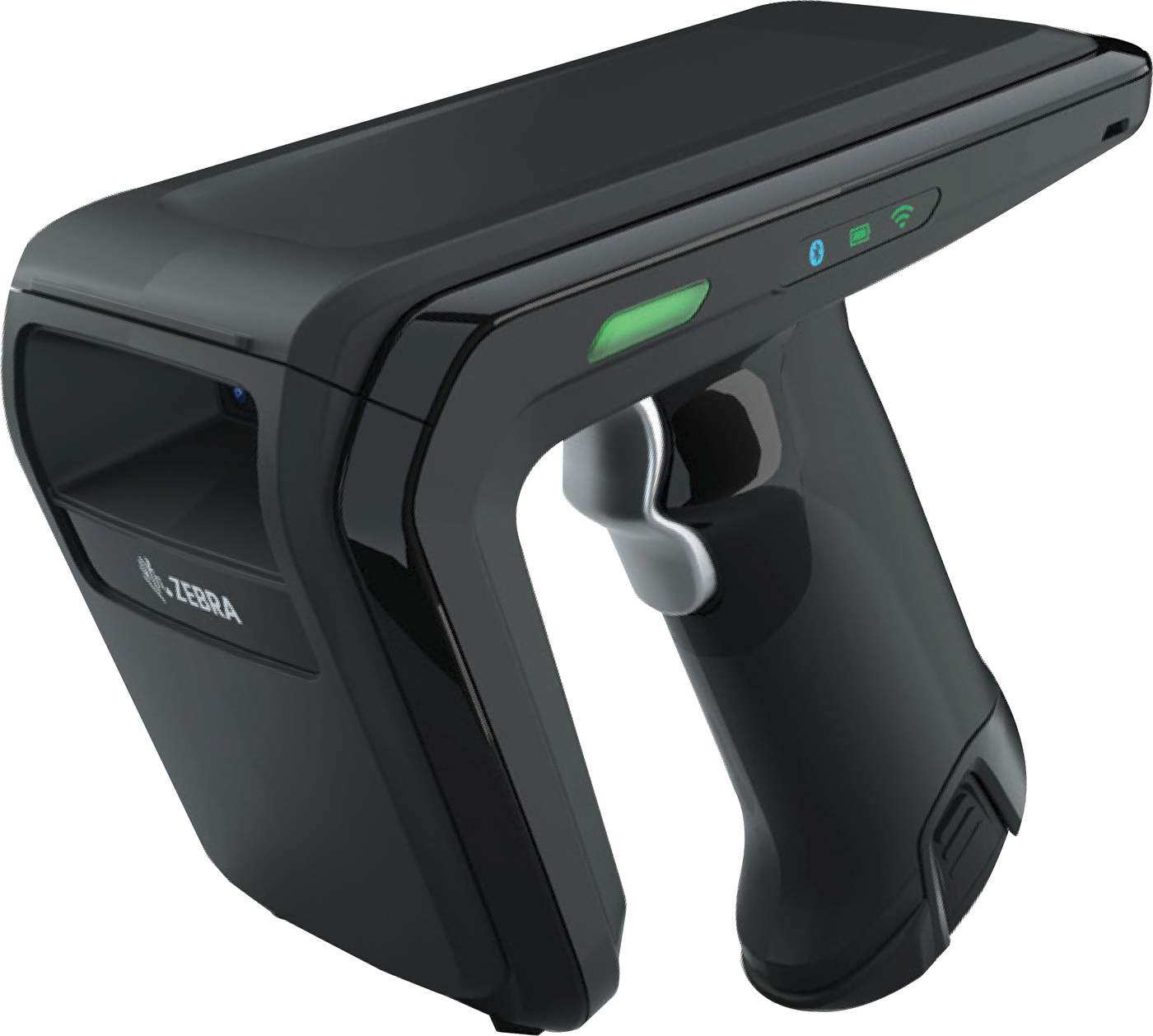
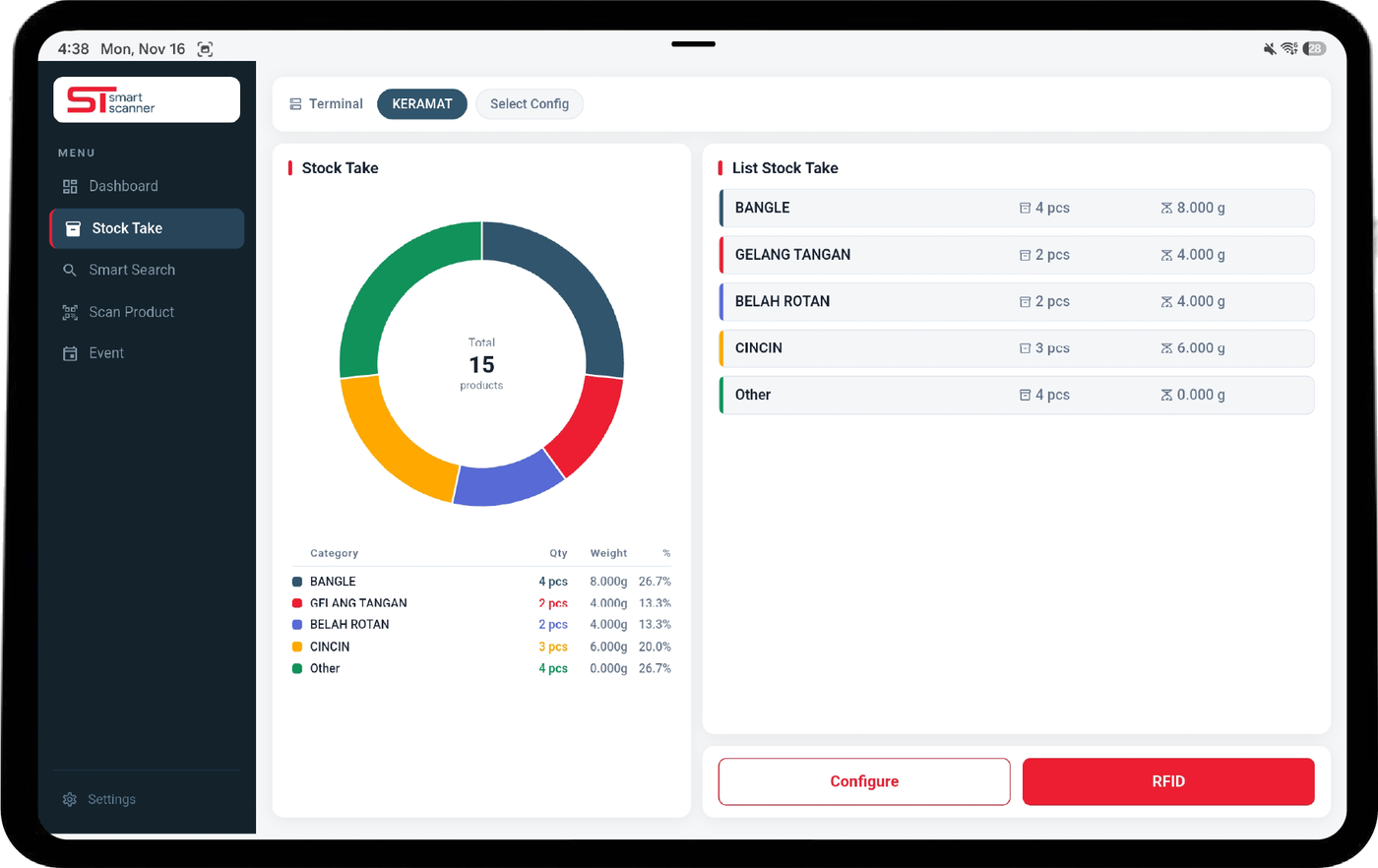
02PRODUCT OVERVIEW
By combining RFID technology with direct Sankyu System integration, ST Smart Scanner streamlines stocktaking, reduces manual counting and improves inventory accuracy. Stock monitoring becomes more efficient and organised.
Structured stocktaking.
03KEY BENEFITS
Connect stocktaking results directly to your existing Sankyu inventory.
Detect multiple RFID-tagged items at once to accelerate stock counts.
Run a complete stocktake or scan selected trays to suit your operational needs.
Stocktaking results are recorded automatically and available for review.
04HOW IT WORKS
Choose a complete stocktake or a tray-based count.
Move the RFID reader across items fitted with RFID tags.
Match scanned items against system records.
Record the results for review.
05INSIDE THE APP
Application Overview
Four application screens guide your team from initial stocktaking setup through to reporting.
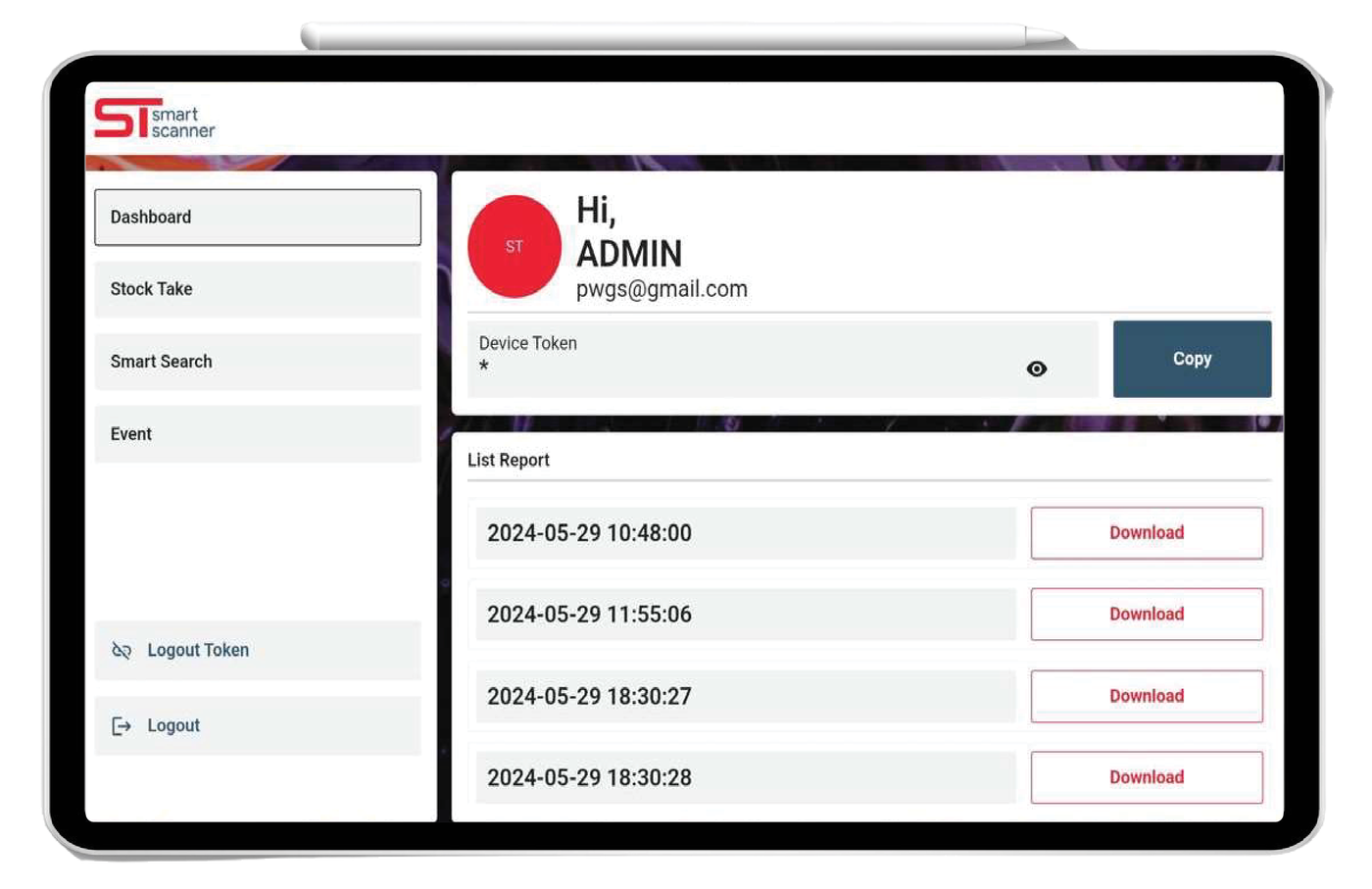
View all trays and items clearly before starting the count.
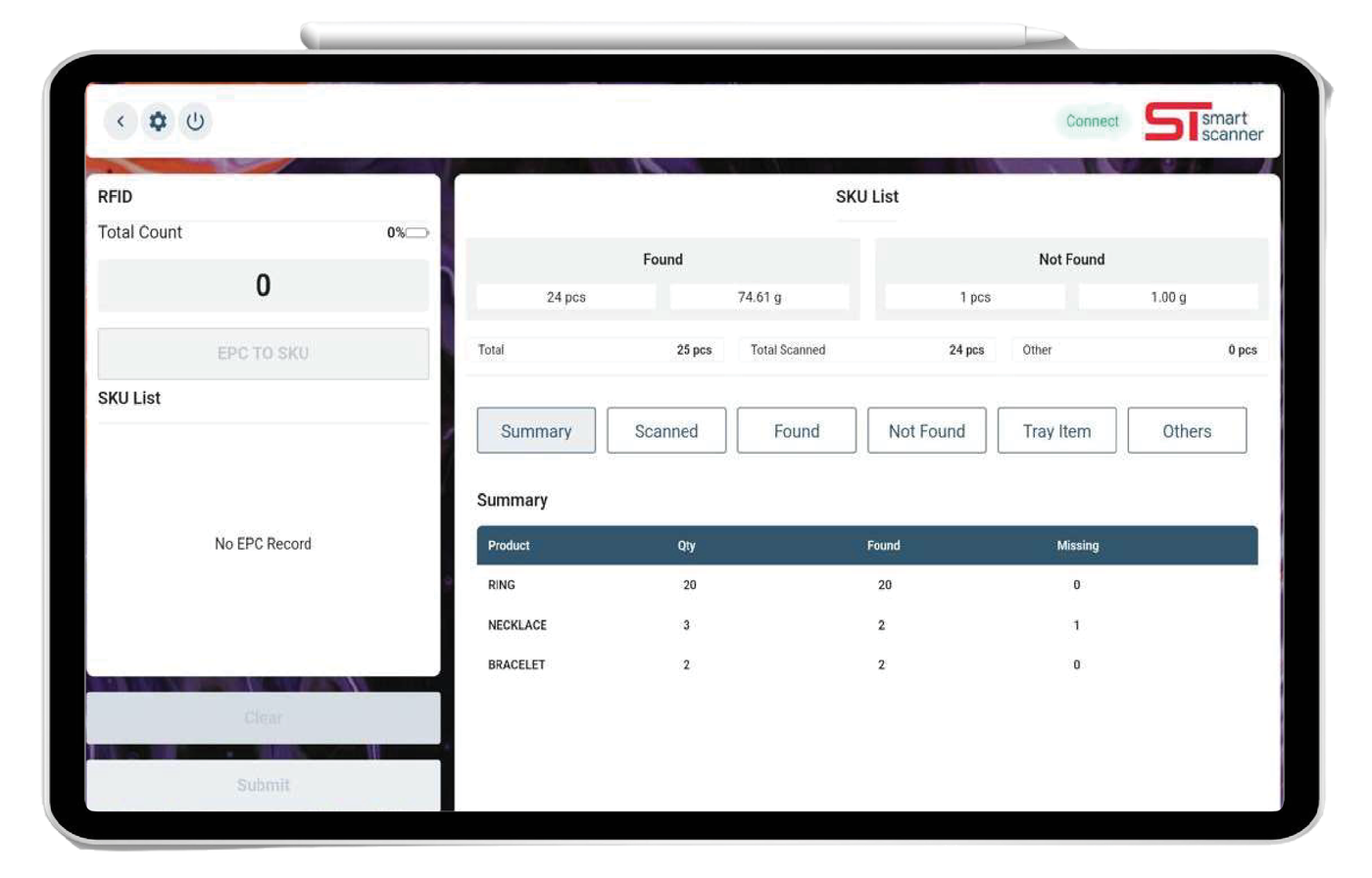
Monitor detected and missing item counts in real time during scanning.
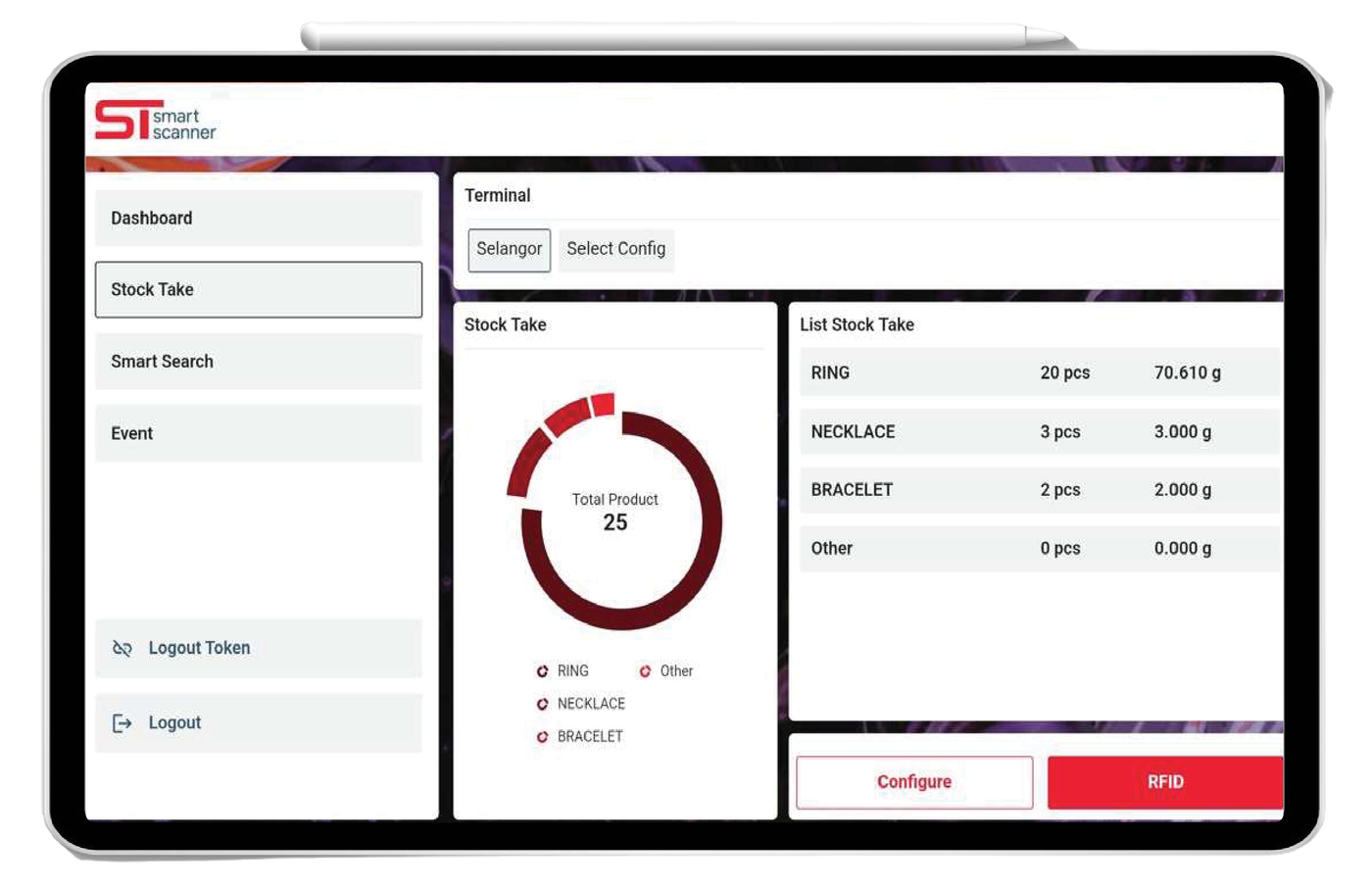
Compare matched, missing and additional items against Sankyu System records.
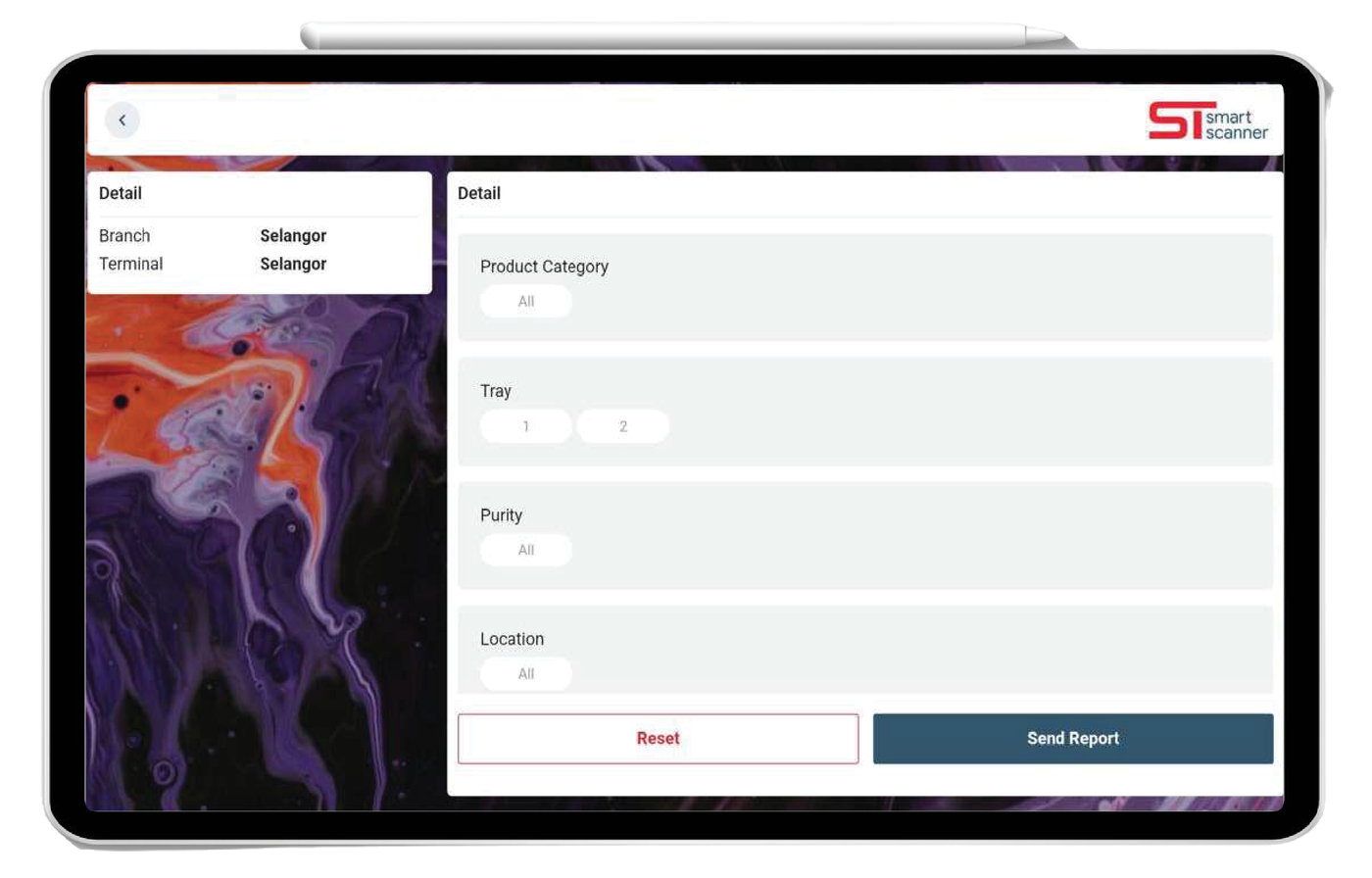
Configure the counting mode, trays and RFID reader for each stocktake.
06GET ST SMART SCANNER
Book a demonstration to explore the complete tray-scanning process, from initial setup to the final report.
